← Playground

Free · Open source

Skills for small businesses. Free, ready-made skills that take repetitive work off your plate, for Claude and other AI assistants that support SKILL.md skills.

The skills

Pick one, or use them all. Each is a small folder you add to your AI assistant.

Skill 01

Brand kit

Answers a few questions about your business and writes one brand.md file with your colours, fonts, voice, contact details, policies and offers.

Try saying

  • “Set up a brand kit for my tailoring shop in Kumasi.”
  • “Here is our website. Make a brand.md from it.”
Skill 02

Flyer

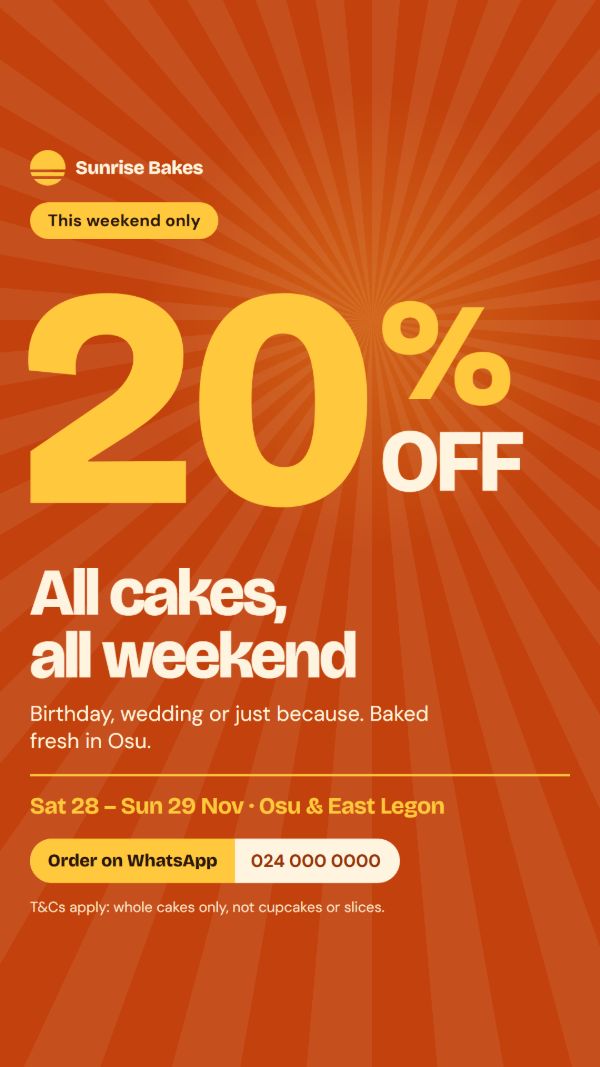
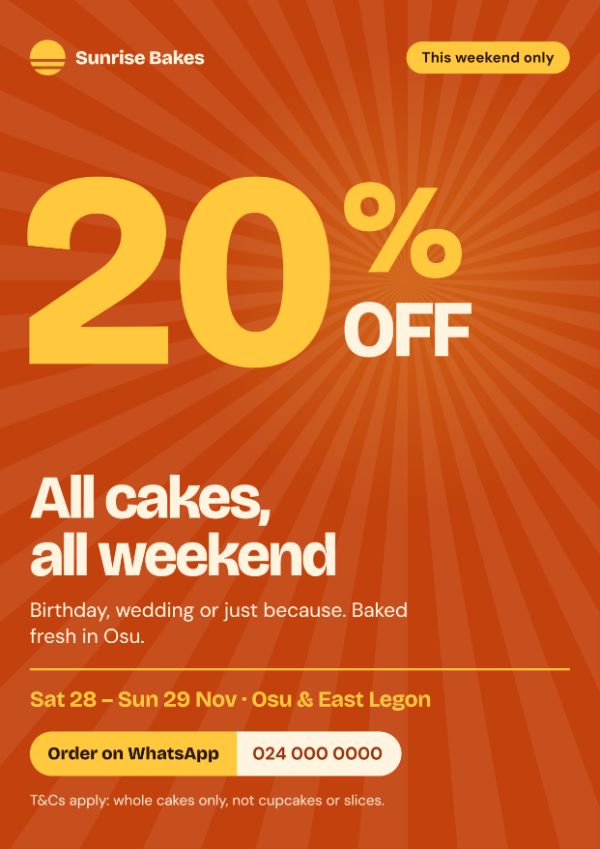
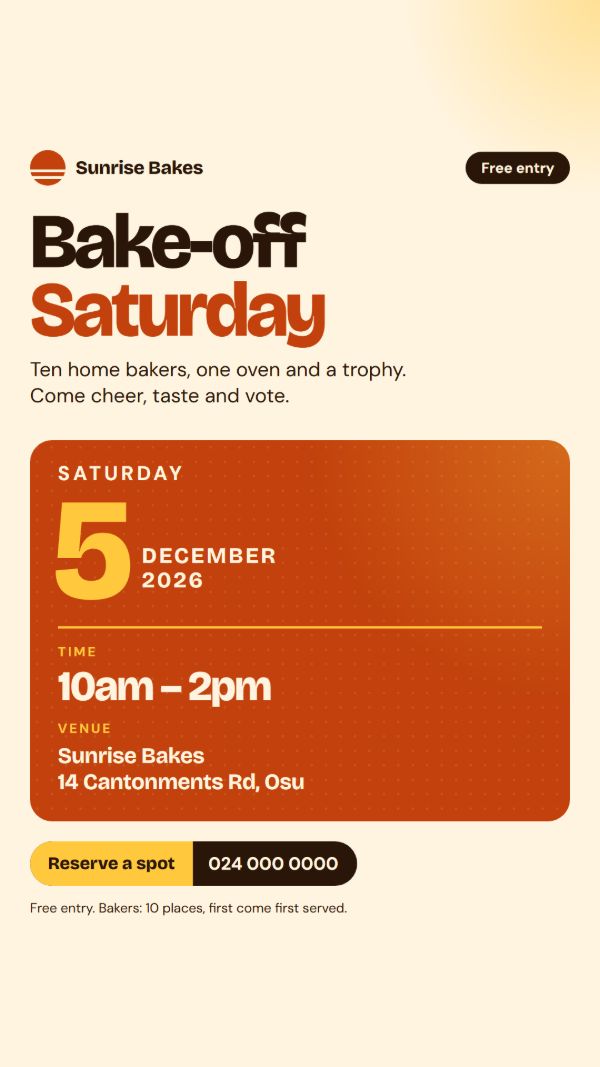
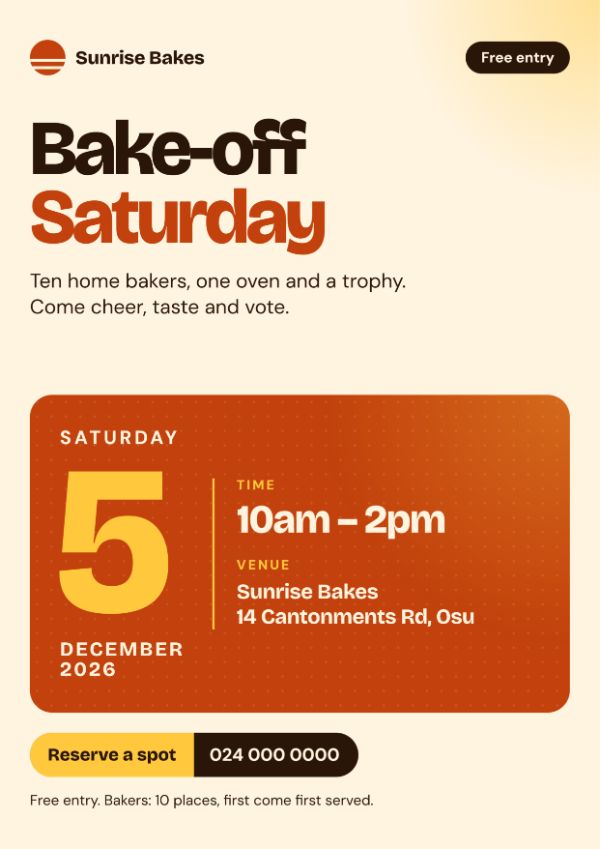
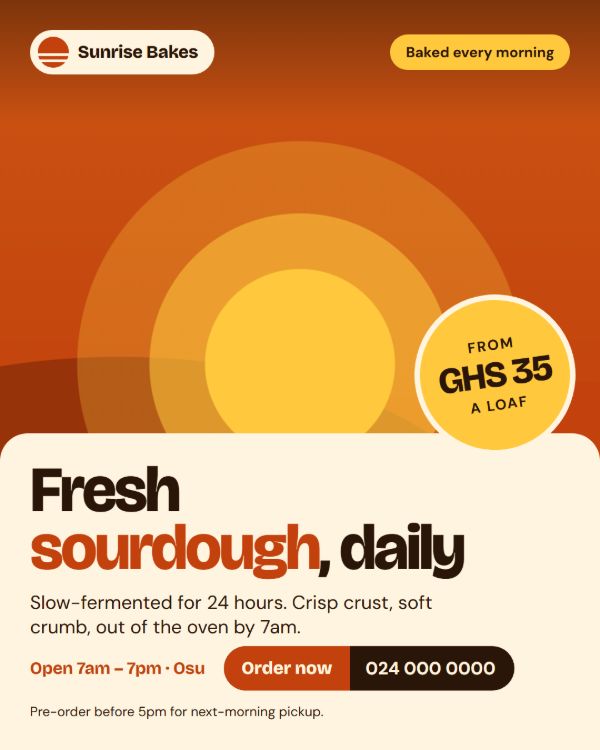
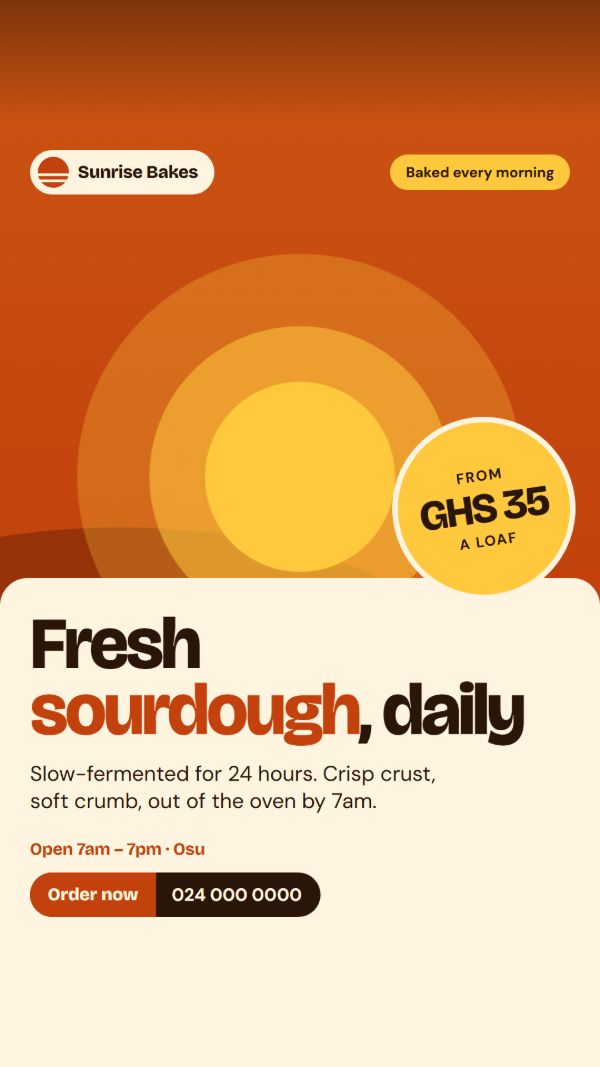
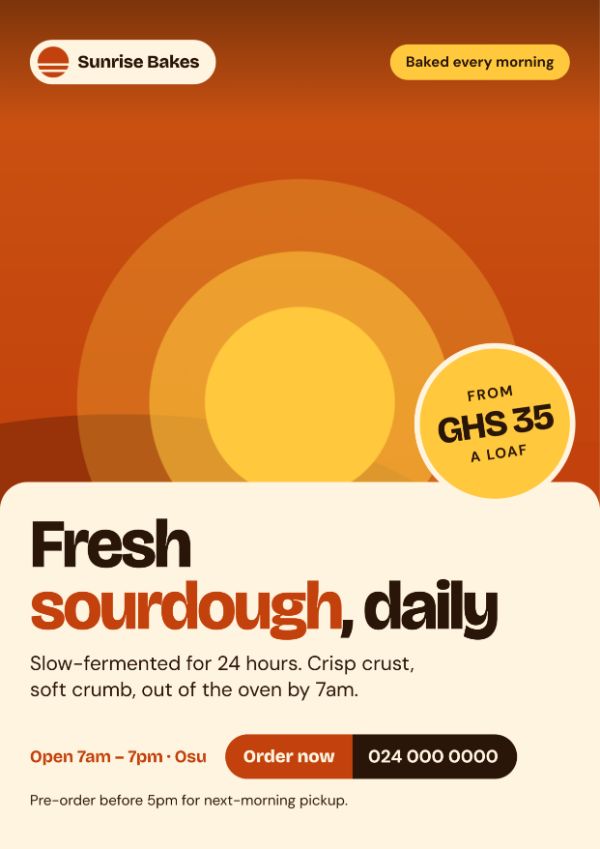
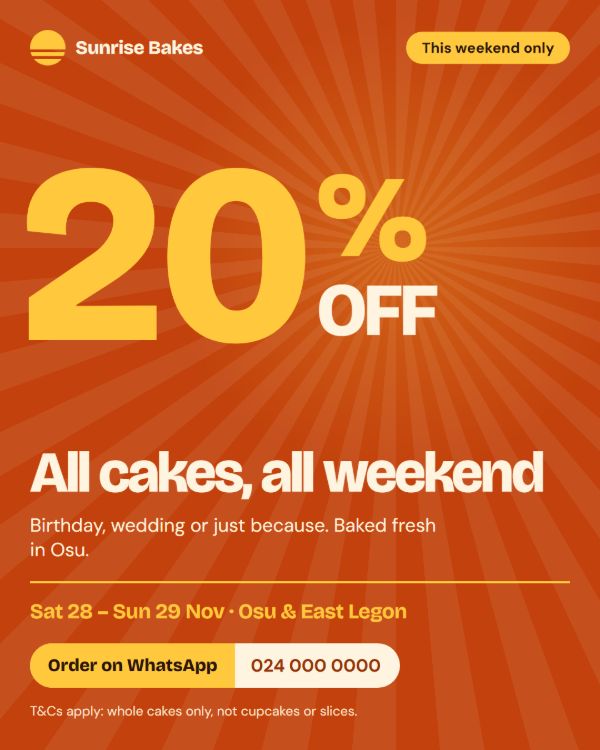
Turns an offer or an event into a ready-to-post flyer: an image for Instagram, WhatsApp and stories, or a PDF to print.

Try saying

  • “Make a flyer for 20% off all cakes this weekend.”
  • “I need an A4 poster for our Saturday bake-off.”

Skill 03

Customer reply

Drafts replies to customer messages and reviews in your own voice, within your real policies, and tells you when to follow up.

Try saying

  • “A customer says her order came late and wants a refund. Help me reply.”
  • “Write a reply to this 2-star Google review.”

Skill 04

Product promo video

Makes a short, polished teaser ad for a software product from recordings of the real app, with your brand styling and music.

Try saying

  • “Make a 30-second promo video for my web app.”
  • “Create a vertical teaser ad for our launch.”

Works together

Set up your brand once. Every other skill reads it.

Brand kitAsks a few questions and writes your details down once.
brand.mdColours, fonts, voice, contact details, policies and offers.
FlyerUses your colours, fonts and real contact details.
Customer replyUses your voice, sign-off and actual policies.

Flyer and Customer reply also work on their own. They just ask you the basics first.

How to install

Download, then add it. It takes about a minute.

Claude apps

Download the .zip of the skill you want. In Claude, open Settings, find Skills, and upload the zip. Then just ask for what you need.

Claude Code

Unzip the download into your skills folder. You will get a folder named after the skill, with a SKILL.md inside.

~/.claude/skills/flyer/SKILL.md

Other assistants

Any assistant that supports the Agent Skills format works too. Put the unzipped folder in that tool’s skills folder.

Want everything at once? Get the whole library from GitHub. It is free to use and change (MIT licence).